
Turn your files into sales.
Turn PDFs, templates, and other files into sales. Sell directly to your customers, on your own terms.
Get started

Built for
From checkout to download, in seconds
Share one link. Stripe handles the payment, and DeliveryKit hosts your files and delivers them the moment someone pays.

They pay with Stripe Checkout
Share your sell link anywhere: your bio, a newsletter, your website. It opens Stripe Checkout on your own Stripe account.
Their files arrive by email
The moment the payment goes through, DeliveryKit emails your customer access to everything they bought.
Everything stays in one place
PDFs, videos, and links wait on a download page with your name and colors, whenever they come back.
A page for your product.
Not another website to build.
Give people a reason to buy before they reach checkout. Share a product page with your images, your story, and your branding. Stripe Checkout takes care of payment; DeliveryKit delivers the downloads.
Explore product pages
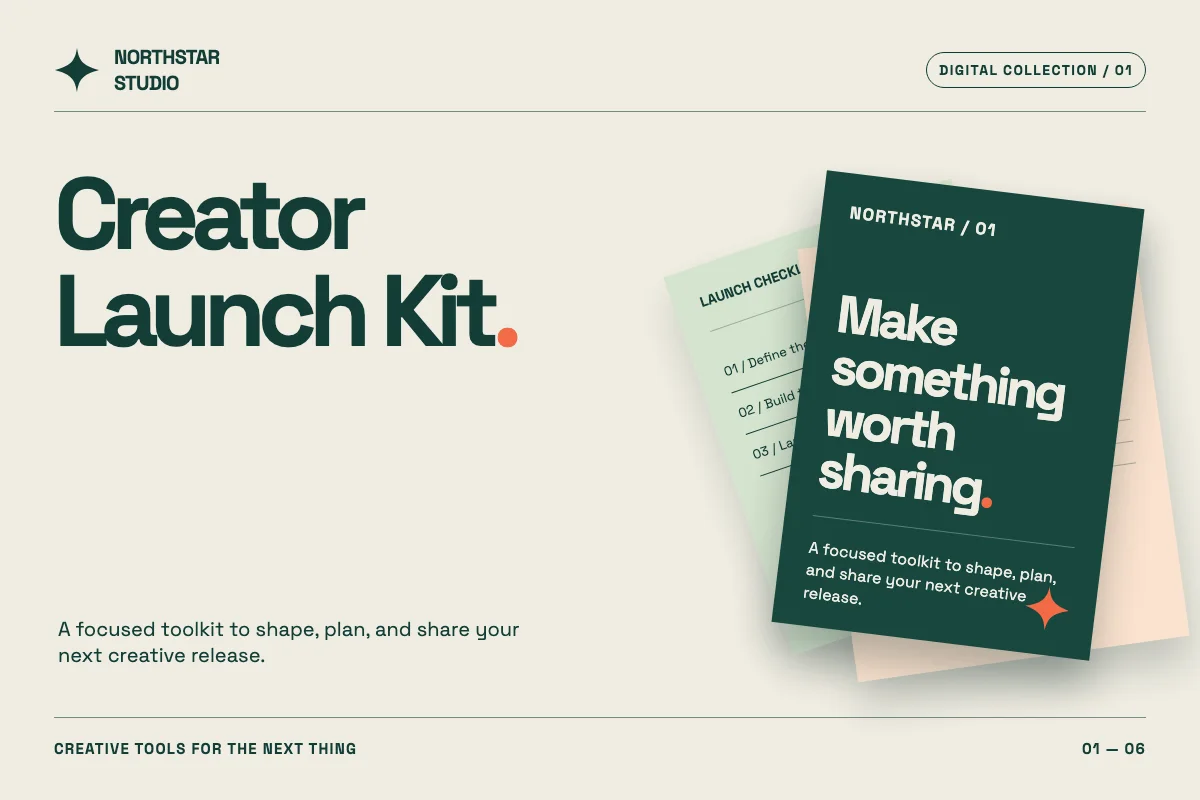
- A shareable page, ready when your product is.
- Your logo and colors, from page to download.
- Share it in your bio, newsletter, or website.
Demo shop · No card needed
Buy it yourself. It’s free.
Check out from our demo shop with a free Stripe test checkout, then get the real delivery email and download page your customers would.
Agent ready
Add the official DeliveryKit app in ChatGPT, or connect Claude or another MCP-capable agent, for help with products, files, checkout links, delivery settings, and sales reporting while your workspace permissions stay in force.

You: How much have I sold over the last week?
Used DeliveryKit integration.
Claude: You sold $1,284 USD across 28 paid orders over the last 7 days. Here’s the breakdown:
- Creator Launch Kit: 18 orders, $882.
- Lightroom Presets: 6 orders, $294.
- Field Notes Workbook: 4 orders, $108.
- Ask how sales are going, in plain words.
- Update products, files, and checkout links.
- Your workspace permissions still apply.
Plans that fit where you're at
Try DeliveryKit free for 14 days, then choose the plan that fits your business.
What's included:
- 3 hosted files
- Files up to 100 MB
- 2,000 delivery emails per month
- 1 live Stripe account
- 3% transaction fee per DeliveryKit sale
What's included:
- 25 hosted files
- Files up to 1 GB
- 10,000 delivery emails per month
- 5 live Stripe accounts
- 2% transaction fee per DeliveryKit sale
Start today, choose your plan when ready. Stripe processing fees apply separately. Need an even larger plan? Contact us.