
From your next big idea to their next download.


A page for your product.
Not another website to build.
Give people a reason to buy before they reach checkout. Share a product page with your images, your story, and your branding. Stripe Checkout takes care of payment; DeliveryKit delivers the downloads.
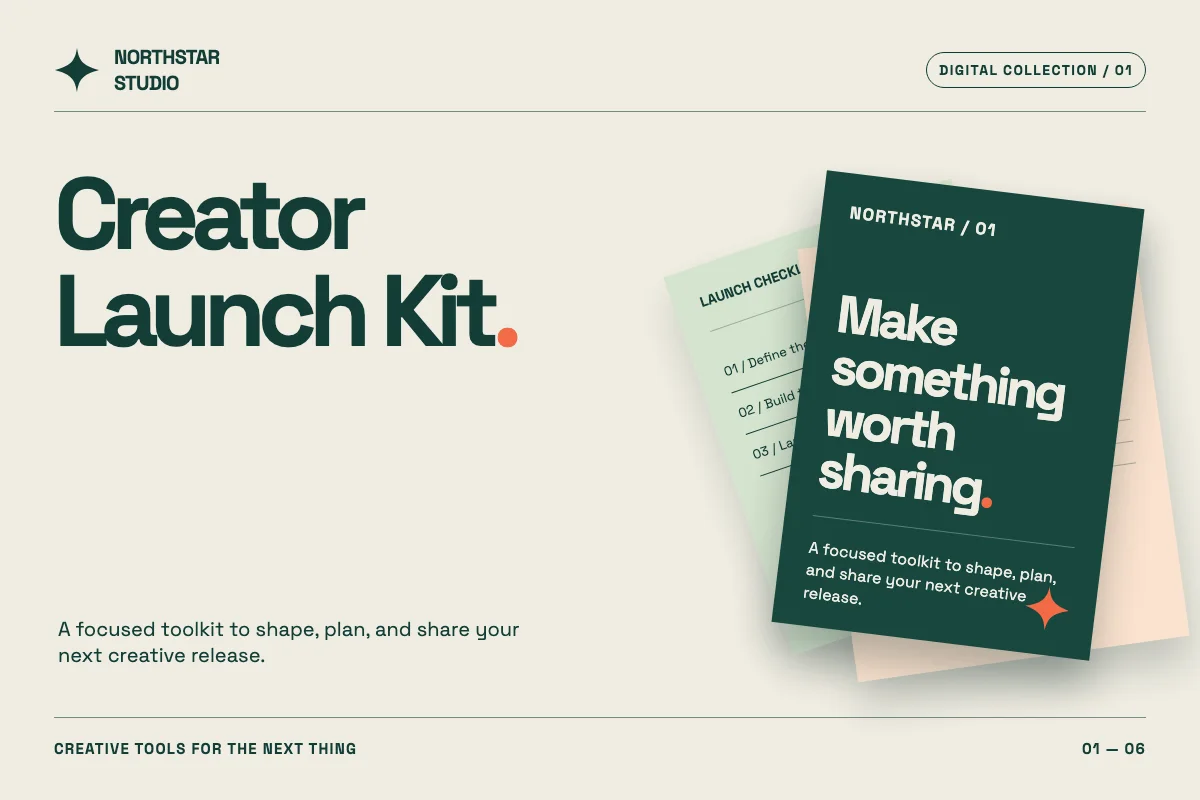
- Choose Simple or Showcase: one theme for your workspace.
- Add images, highlights, FAQs, and Markdown-rich text.
- Show the included files; keep the downloads private until purchase.
- Preview your changes, or unpublish a page when you need to.
Make something great. We’ll take it from here.
Upload your file, give it a name, and attach it to a Stripe product. Your work is ready to find an audience and make money.
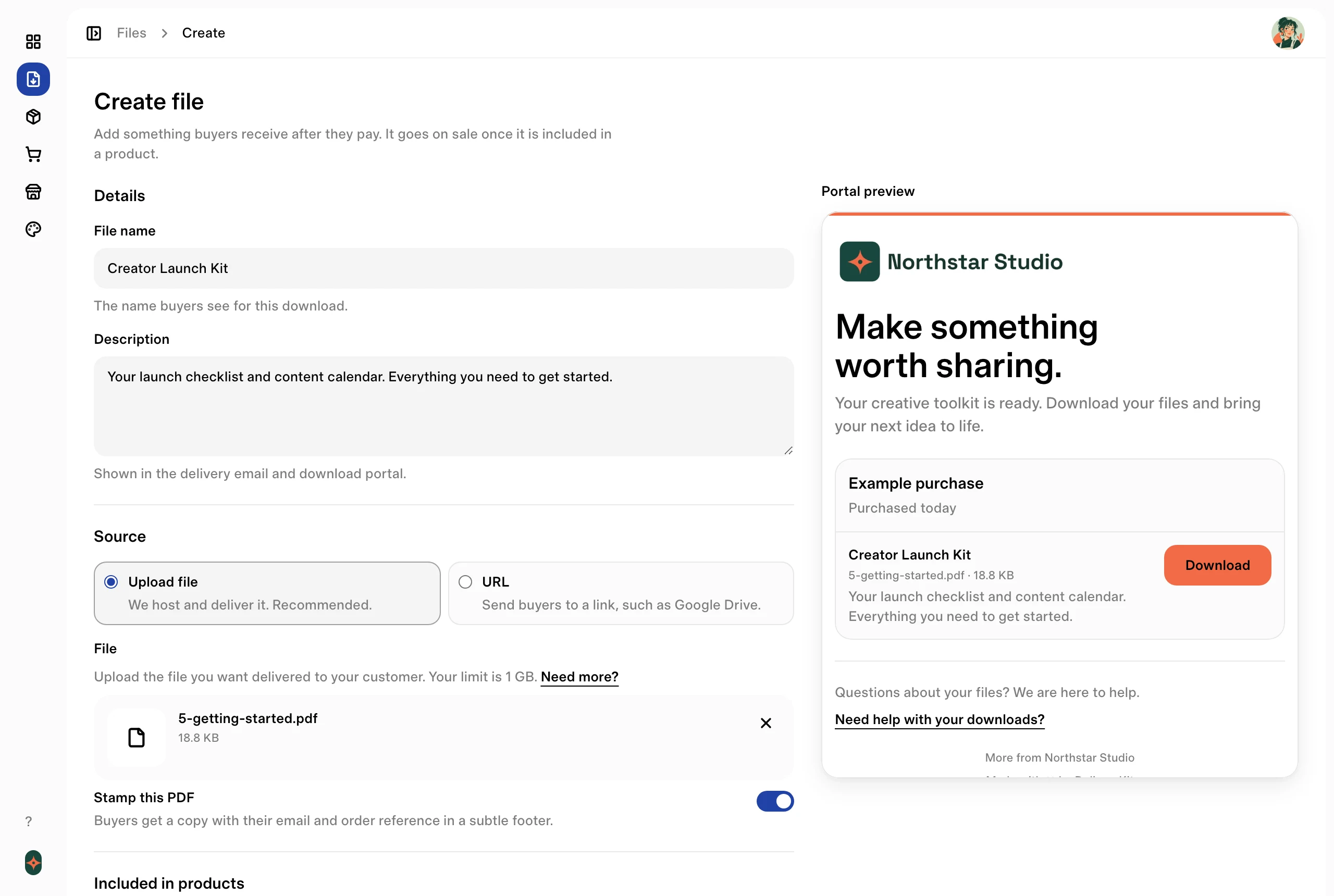
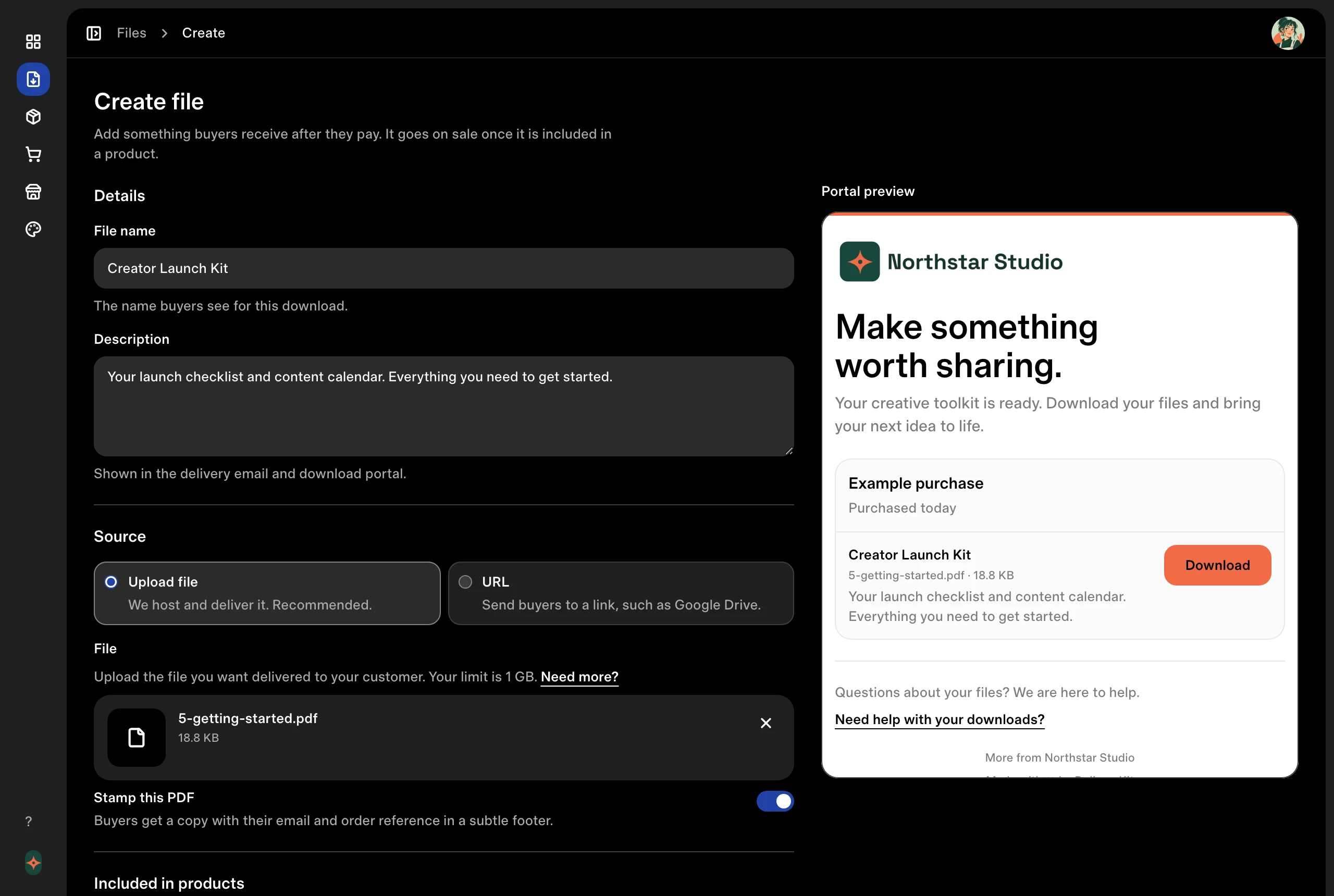
- Host your files or add a resource URL.
- Add descriptions that help customers get started.
- See the customer’s view as you create.
A checkout customers already know.
Send buyers to a secure, familiar payment page with your logo and colors, powered by Stripe Checkout.
How to sell digital downloads with Stripe Checkout- Carry your logo and brand color into checkout.
- Offer a clear, trusted way to pay.
- Let Stripe securely handle payment details.
A library that keeps growing.
Give a product a monthly or yearly price and sell it as a subscription through the same Stripe Checkout link. Subscribers get everything in the library, plus everything you add while they keep paying.
- Publish posts with a title, description, and files.
- Email subscribers a post, or send new files as one digest.
- Import existing Stripe subscribers into the library.
The next step lands in their inbox.
After checkout, DeliveryKit automatically sends your customer an email with access to their purchase. No attachments to send by hand.
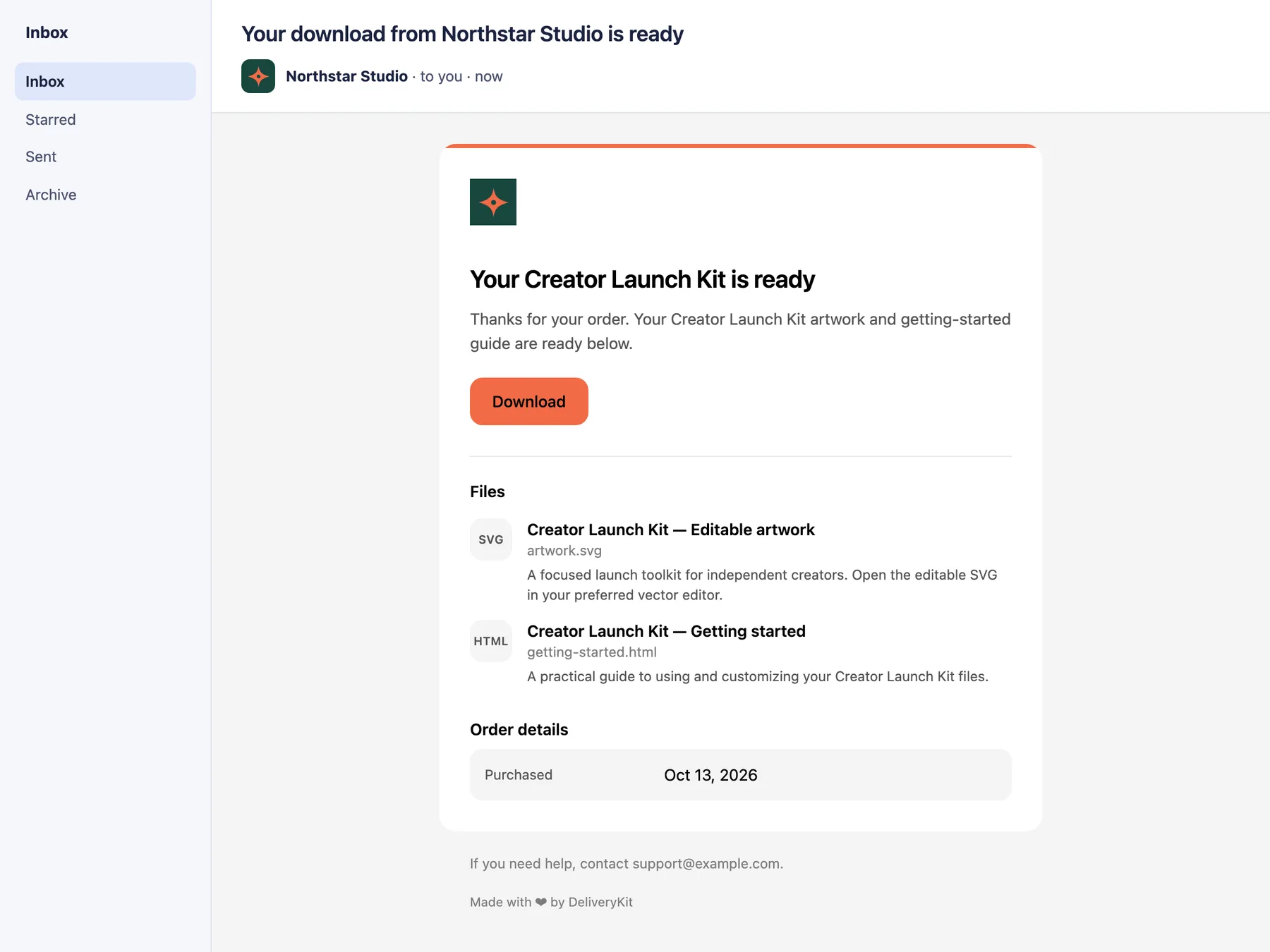
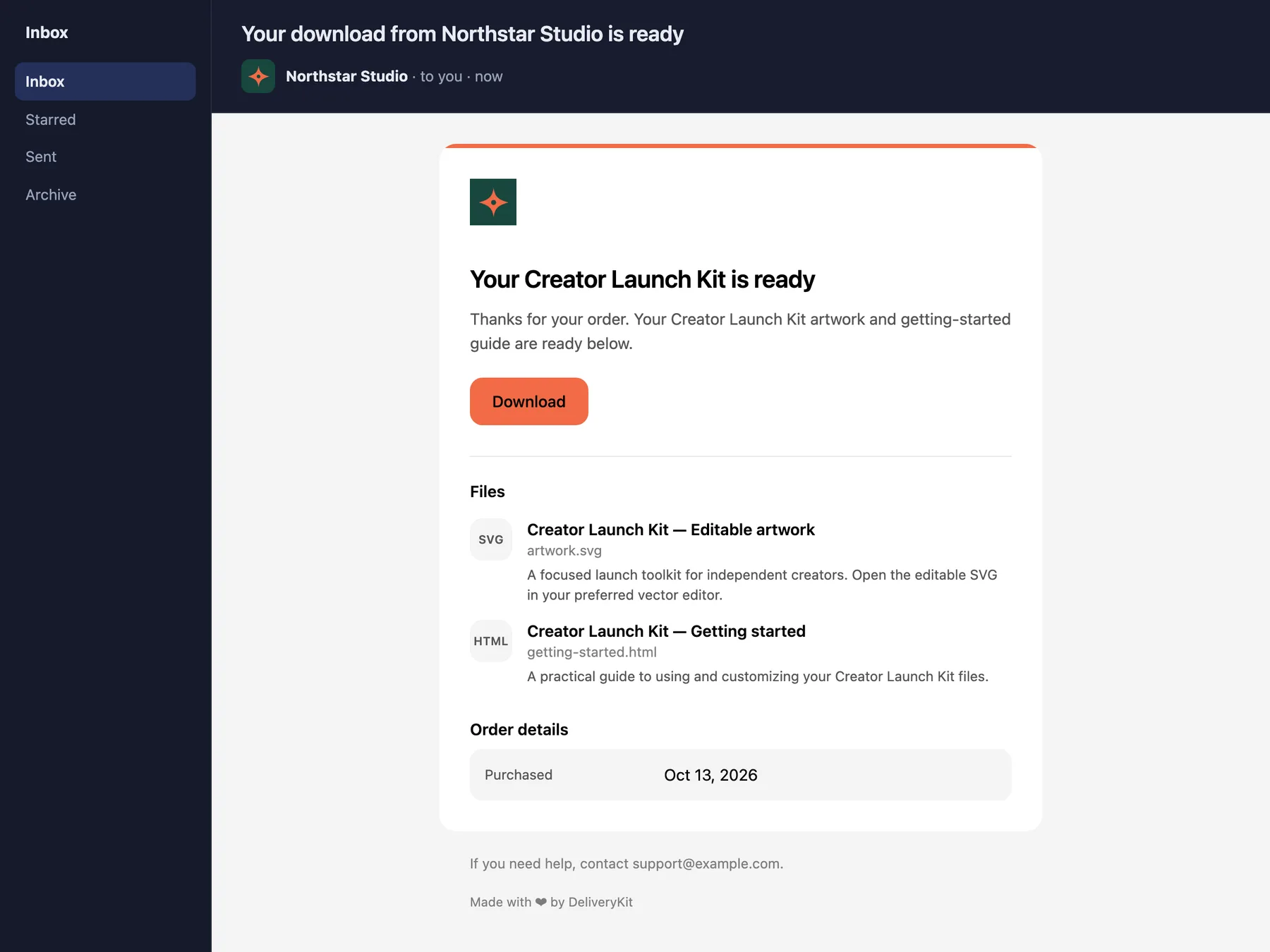
- Automatic delivery after a successful payment.
- Your branding and a clear link to their files.
- A purchase experience that continues beyond checkout.
A proper home for every purchase.
Give customers one clear place to find what they bought. Each purchase gets its own card with your product cover, its files, and links, and buyers can see what they’ve already downloaded. Older purchases fold away so the newest comes first. Subscribers get a feed of your posts, newest first, with videos that play right on the page.
Preview download portalHow to limit downloads and set access periods
Northstar Studio
Make something worth sharing.
Your creative toolkit is ready. Download your files and bring your next idea to life.
Purchased Oct 12, 2026 · 3 files
The launch playbook
launch-playbook.pdf · 2.4 MB · Downloaded Oct 14, 2026
A practical guide to planning, building, and launching your next idea.
Content calendar
content-calendar.xlsx · 180.0 KB
Plan what to share, from your first teaser to launch day.
Launch checklist
launch-checklist.pdf · 512.0 KB
Keep the details in order, one step at a time.

Purchased Aug 2, 2026 · 2 files
Brand guide
brand-guide.pdf · 3.0 MB
Logo templates
logo-templates.zip · 12.0 MB
- One card per purchase, with your product cover.
- Download all as a single zip when a purchase has several files.
- Your logo, colors, and support details.
A personal copy for every buyer.
Discourage casual sharing by adding your buyer’s email and order reference to every page of their PDF. Turn stamping on when it suits what you sell.
How to protect PDFs you sell with buyer-specific stampingSubtle footer
Prominent diagonal
- Choose a subtle footer or a prominent diagonal stamp.
- Preview either style on your own PDF before enabling it.
- Keep your original files unchanged.
A welcome that feels like your brand.
Make the delivery experience feel like you. Set your branding, write a welcome, and give customers a way to get help.
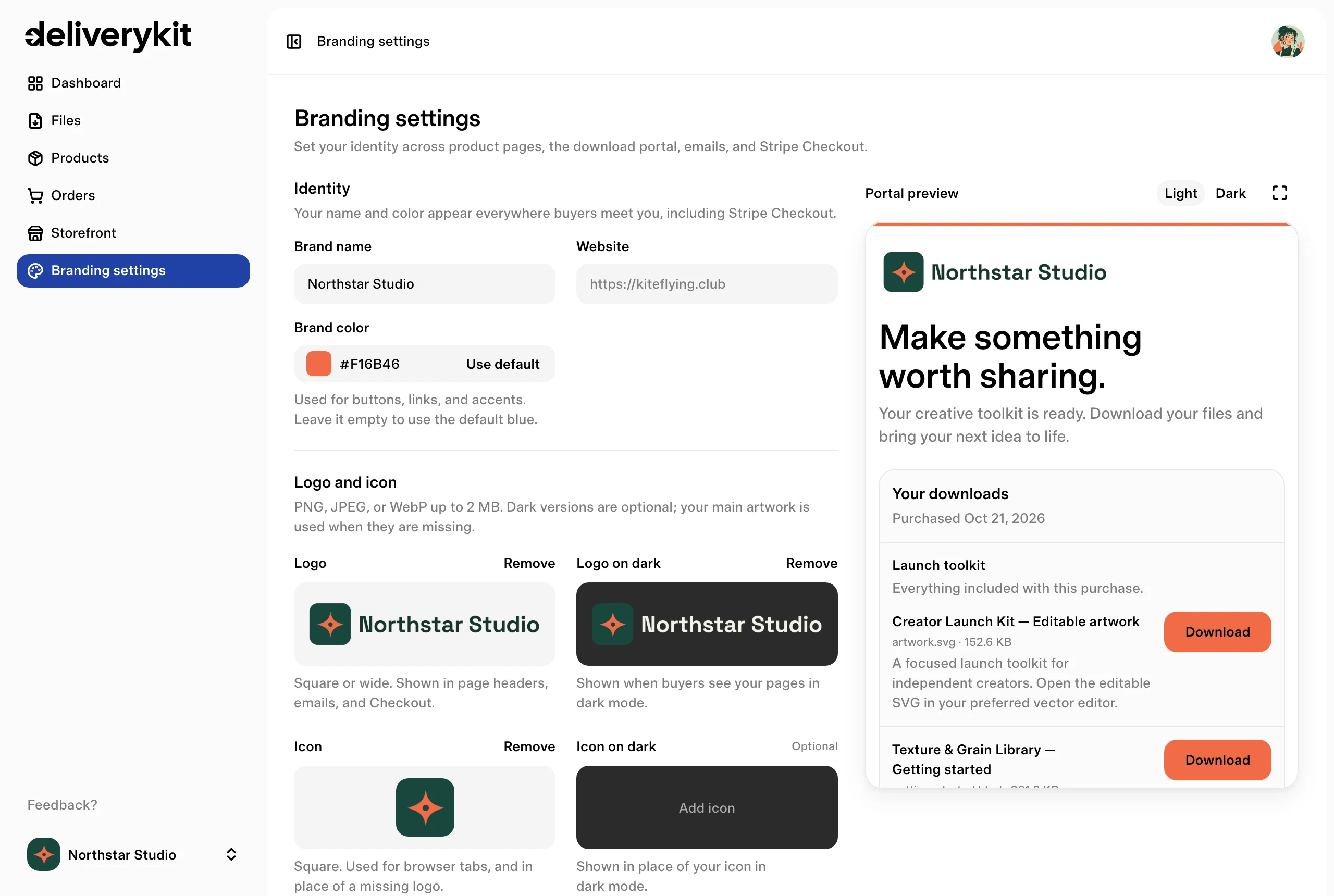
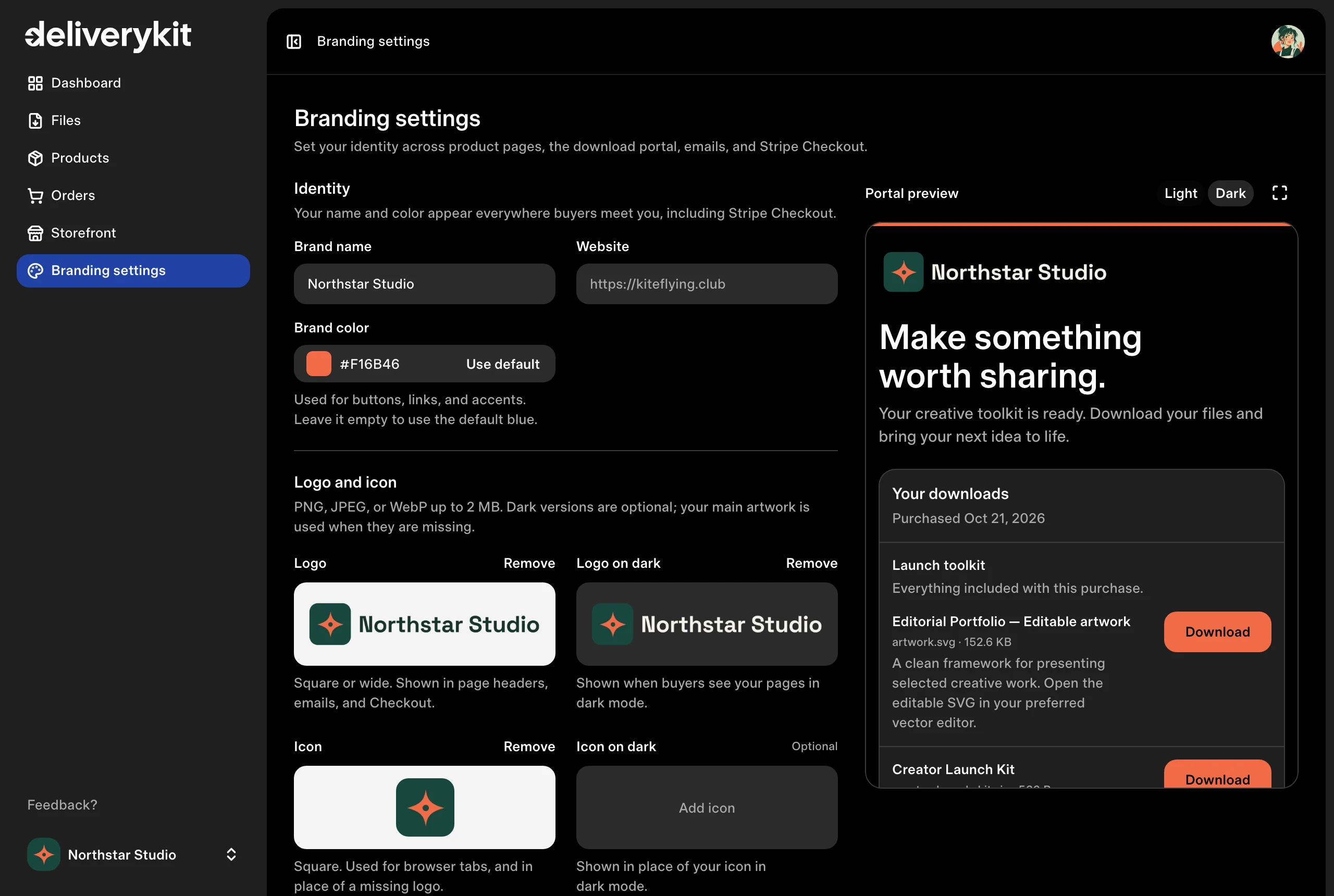
- Choose a logo, brand color, and light or dark theme.
- Set your portal headline and introduction.
- Preview the experience before you share it.
Agent ready
Your digital business, inside the AI tools you already use.
Add the official DeliveryKit app in ChatGPT, or connect Claude or another MCP-capable agent, to check sales, update products and files, configure delivery, create Stripe Checkout links, manage branding, and guide Stripe setup.
Protected tools require signup and OAuth consent. Your existing workspace permissions still apply, agents can create a workspace before Stripe is connected, and Stripe account authorization remains a separate user-mediated handoff.

You: How much have I sold over the last week?
Used DeliveryKit integration.
Claude: You sold $1,284 USD across 28 paid orders over the last 7 days. Here’s the breakdown:
- Creator Launch Kit: 18 orders, $882.
- Lightroom Presets: 6 orders, $294.
- Field Notes Workbook: 4 orders, $108.
Your next sale starts here.
Bring your files. Connect Stripe. Give your customers a great delivery experience.