DeliveryKit / Guides Guides to selling digital downloads Step-by-step guides to selling digital downloads with Stripe: checkout, file delivery, PDF stamping, product bundles, and download limits.
Choosing a platform first? Compare DeliveryKit, Gumroad, and SendOwl on payments, fees, and file delivery.
Step-by-step guide · 7 min read
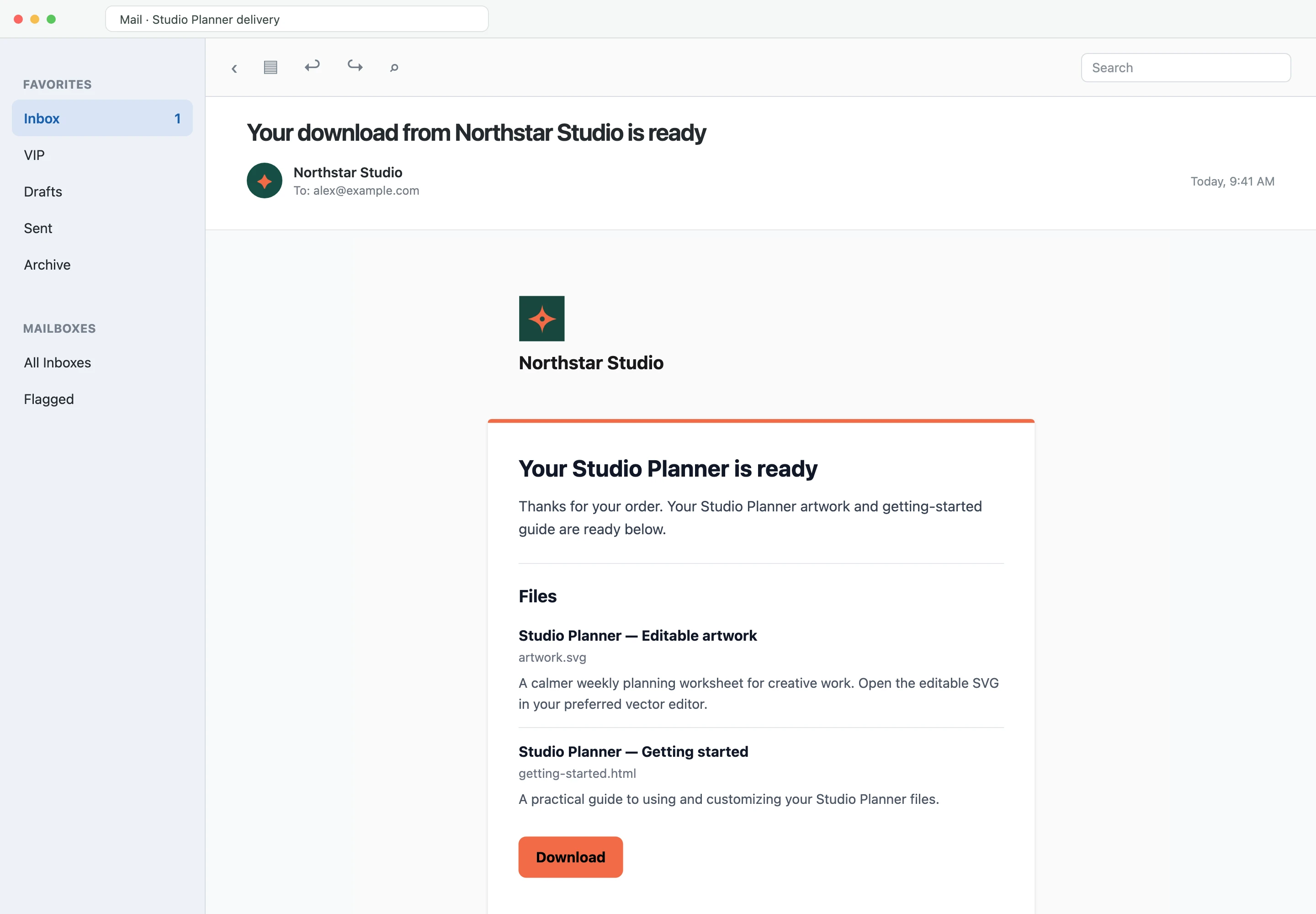
Compare ways to deliver downloads after a Stripe Payment Link sale, or set up DeliveryKit with your existing Stripe product and a new checkout link.
1 Connect Stripe and add your files2 Choose the files for the product you already sell3 Create your DeliveryKit checkout link4 Check the buyer’s email and download pageRead the guide → Updated November 24, 2026
Step-by-step guide · 4 min read
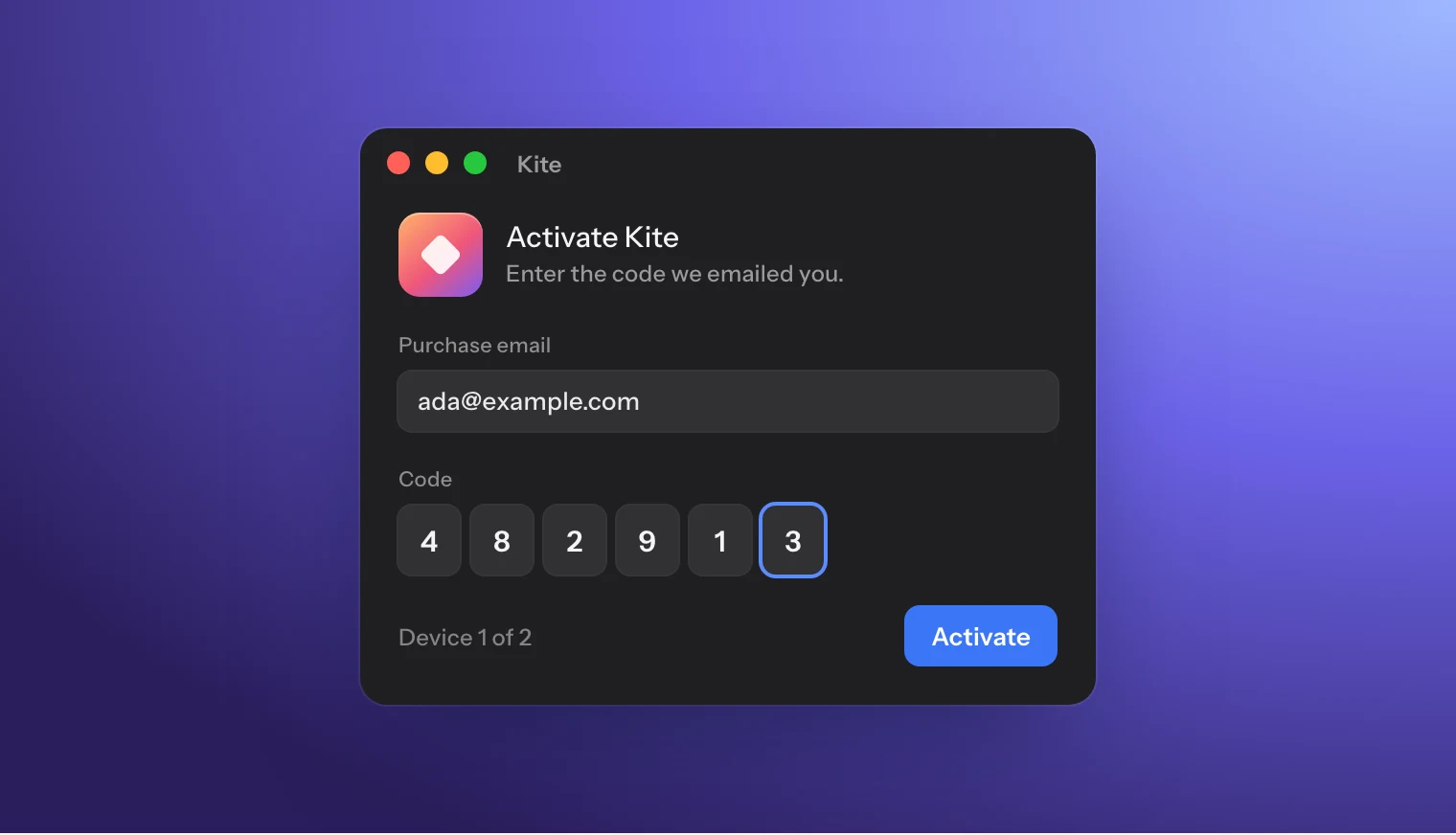
Activate a Mac app against a purchase with an emailed code, verify the signed license offline in Swift, re-check it monthly, and let buyers move it to another Mac.
1 Turn on activation for the app2 Give each Mac an ID3 Ask for a code, then activate4 Verify the license on the Mac5 Re-check about once a month6 Let buyers move to another Mac7 Offer a renewal when paid time runs outRead the guide → Updated November 22, 2026
Step-by-step guide · 2 min read
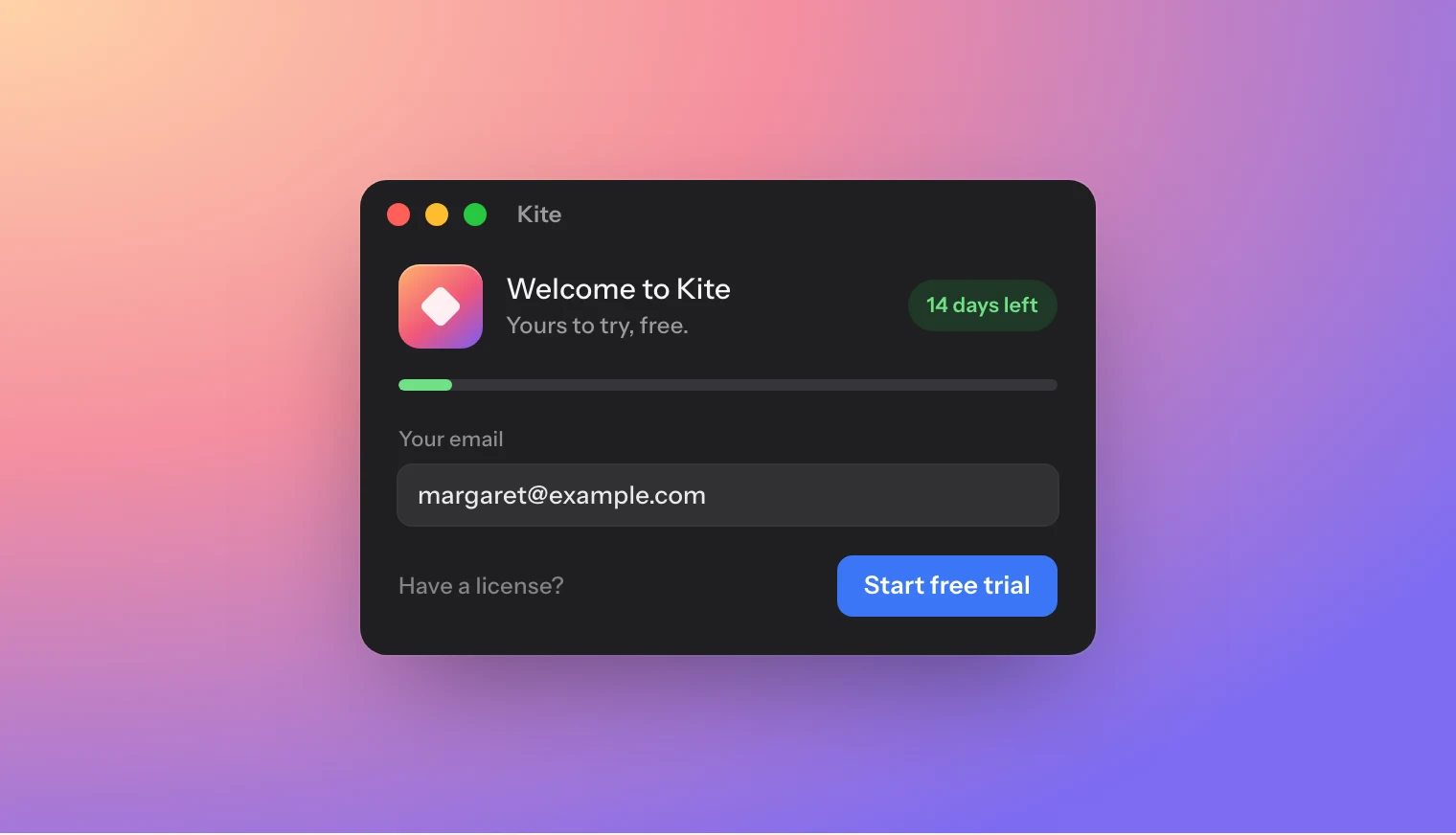
Give a Mac app a time-limited free trial, stop reinstalls from restarting it with a verified email, and put a trial download button on your product page.
1 Set the trial length2 Start the trial from the app3 One trial per person, not per reinstall4 Put a trial download on your product page5 Turn a trial into a saleRead the guide → Updated November 22, 2026
Step-by-step guide · 2 min read
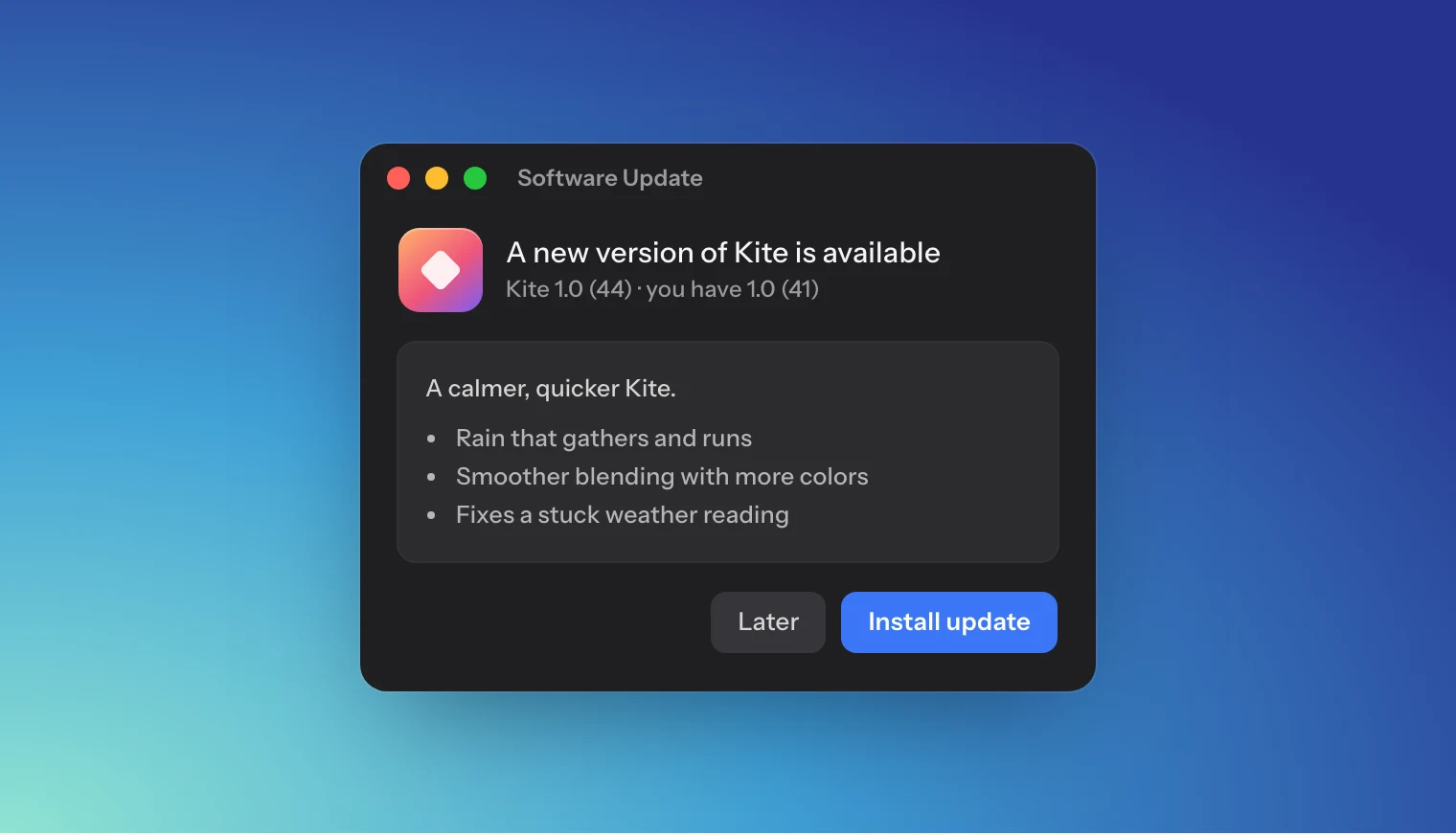
Give a Mac app a hosted Sparkle update feed, publish signed builds with update notes, keep a version history you can roll back to, and limit updates to paid copies.
1 Turn on the update feed2 Point your app at it3 Publish a build4 Write update notes people will read5 Roll back when you need to6 Keep updates for paid copies7 Let your agent publishRead the guide → Updated November 22, 2026
5 min read
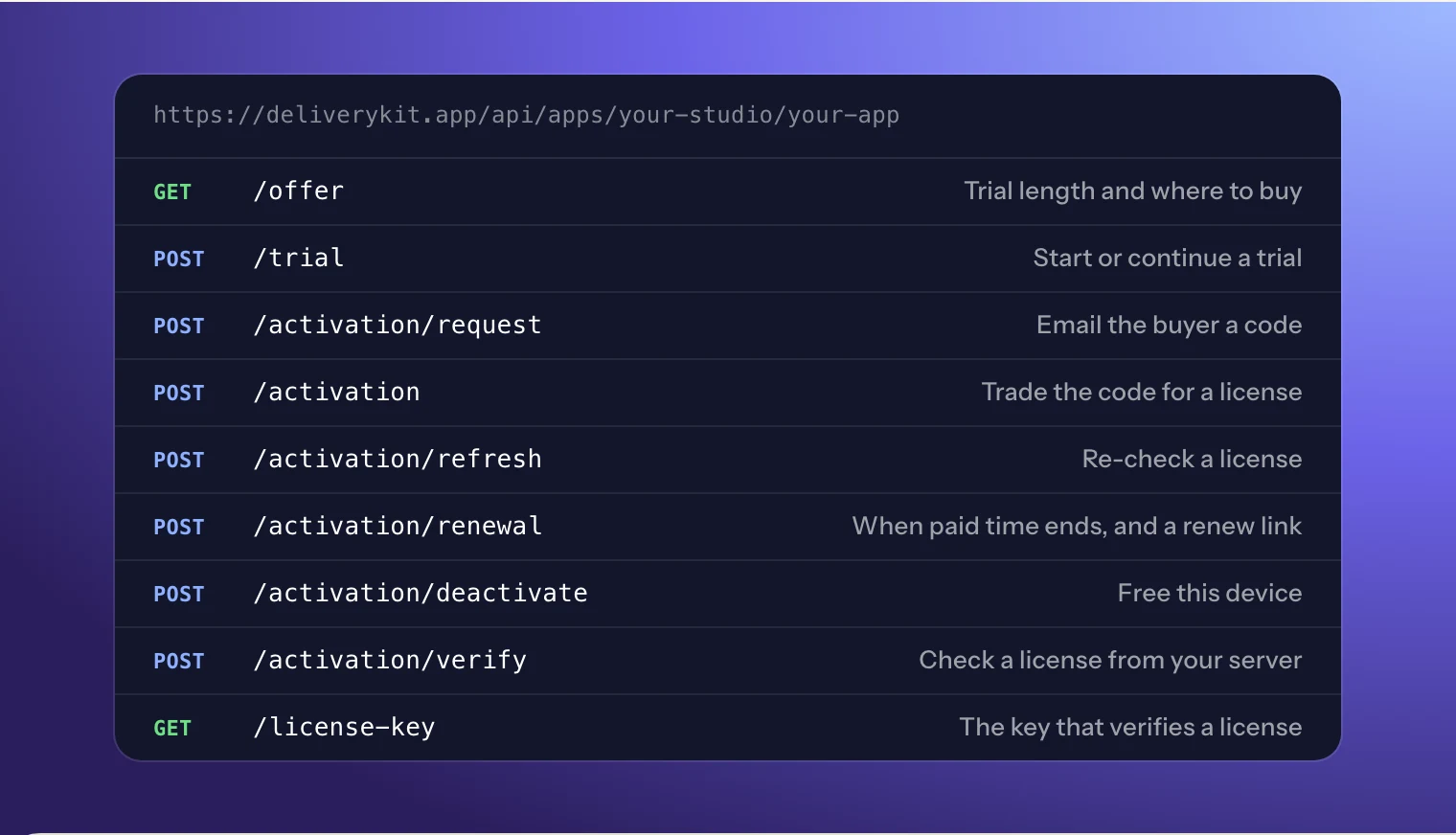
Every call a Mac app makes to DeliveryKit for purchase activation, free trials, license checks, renewals and deactivation, with requests, responses and the license format.
Read the guide → Updated November 22, 2026
Step-by-step guide · 6 min read
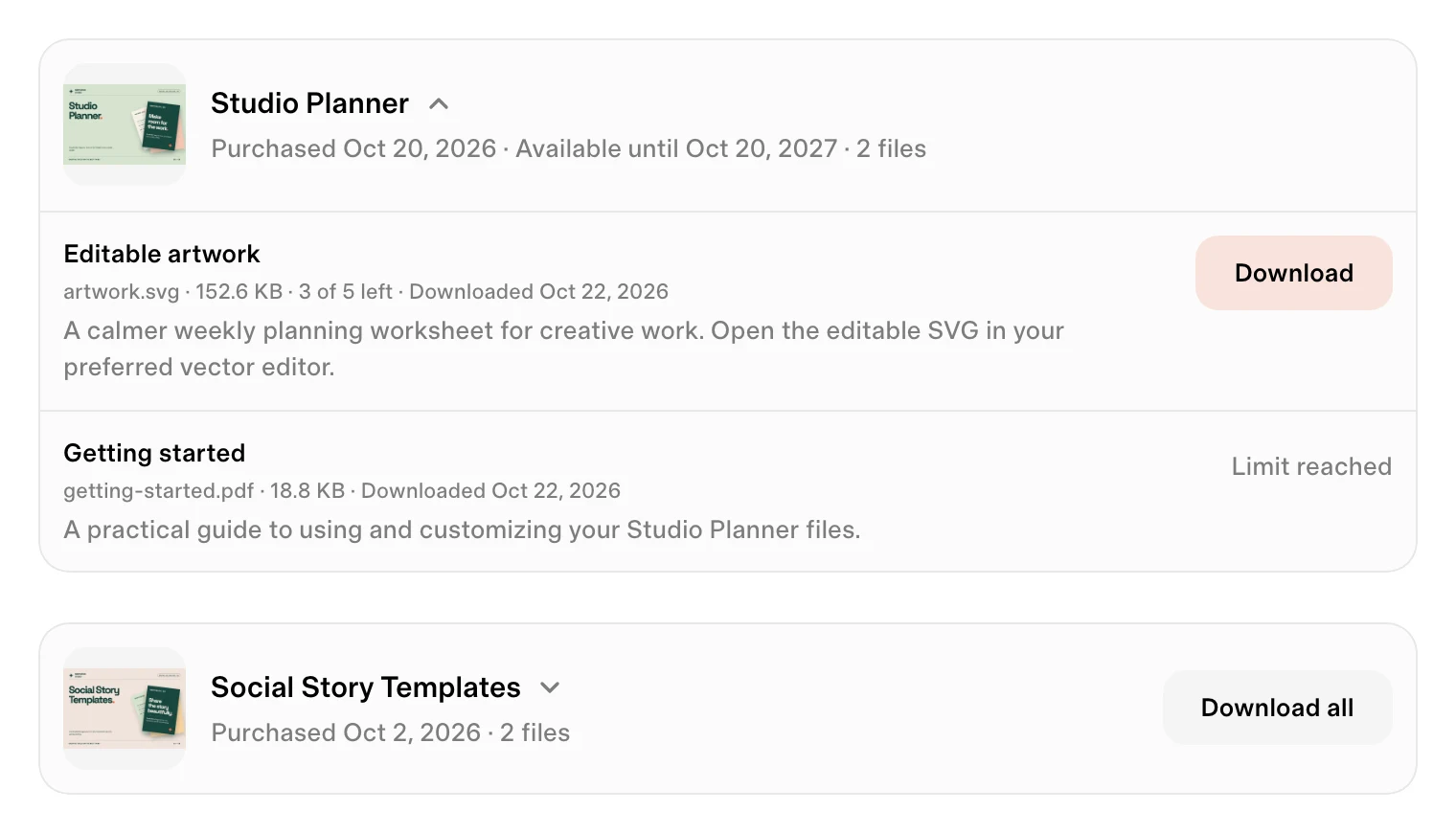
Choose a per-file download allowance and an access window, see what buyers see, and help customers who run out without changing past orders.
1 Decide whether a limit fits the product2 Set download access on the product3 Know what counts as a download4 Existing orders keep the terms they were bought with5 Check what the buyer sees6 Help a buyer who needs moreRead the guide → Updated October 24, 2026
Step-by-step guide · 5 min read
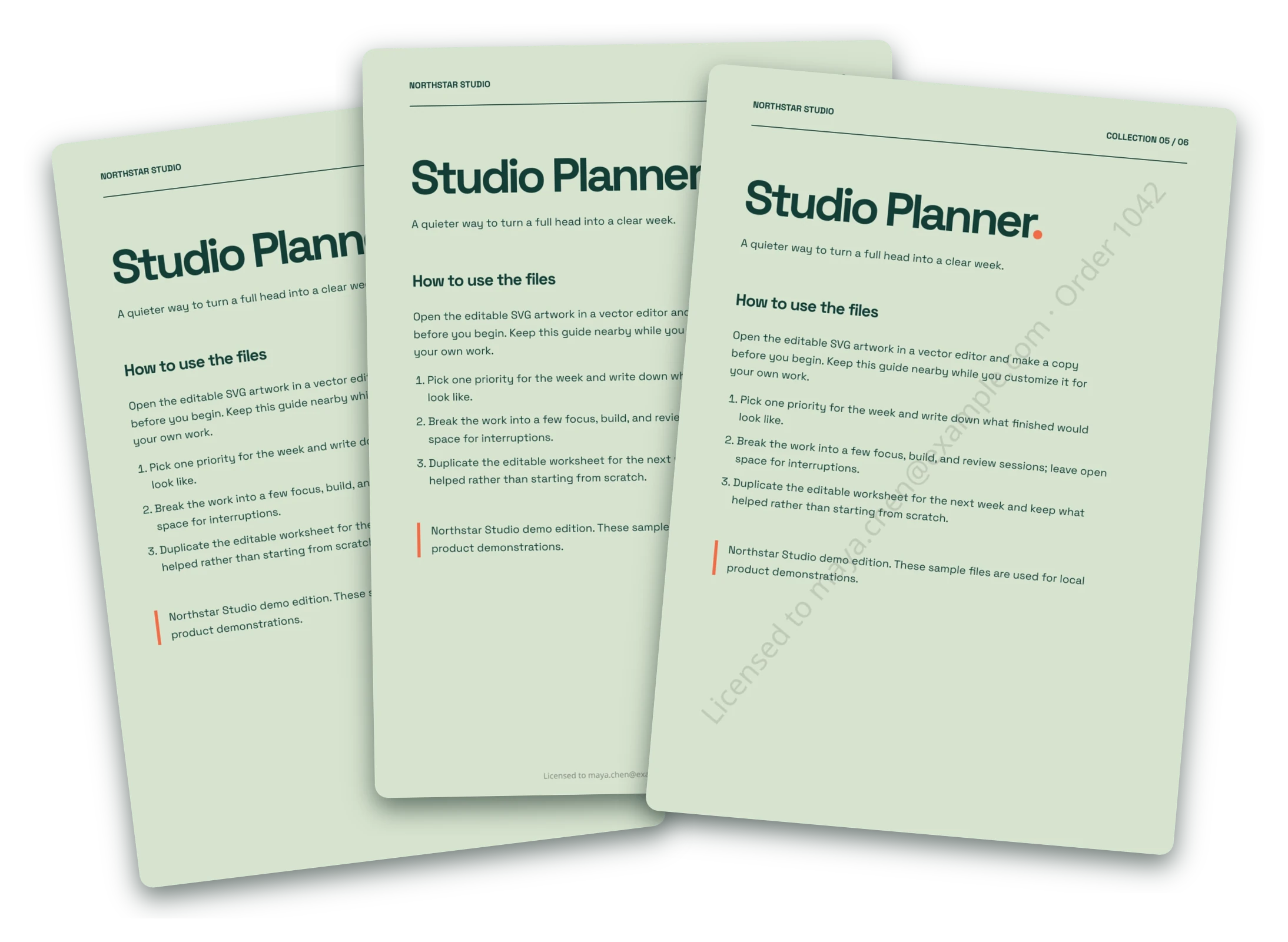
Deter casual sharing with buyer-specific PDF stamps, secure delivery links, and an honest plan for what happens after download.
1 Choose a deterrent that matches the risk2 Keep the original PDF unchanged3 Add buyer details when the file is requested4 Put the PDF behind controlled delivery5 Test the exact buyer experienceRead the guide → Updated October 24, 2026
Step-by-step guide · 5 min read
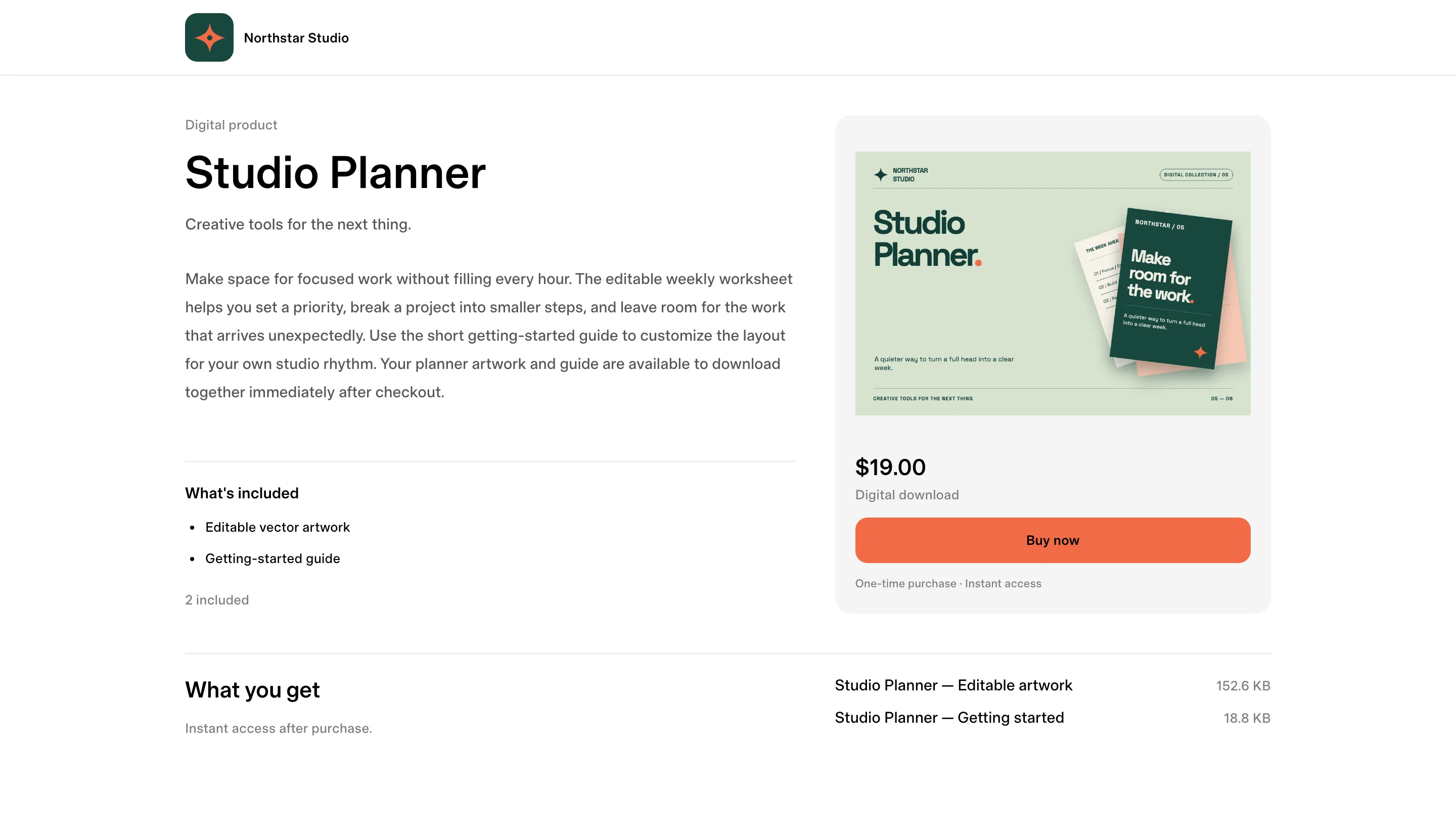
Set up a digital product, choose where to send buyers, and deliver the right files after payment.
1 Decide what the buyer gets2 Create the product and connect delivery3 Choose how you’ll sell4 Check the buyer experienceRead the guide → Updated October 24, 2026
Step-by-step guide · 3 min read
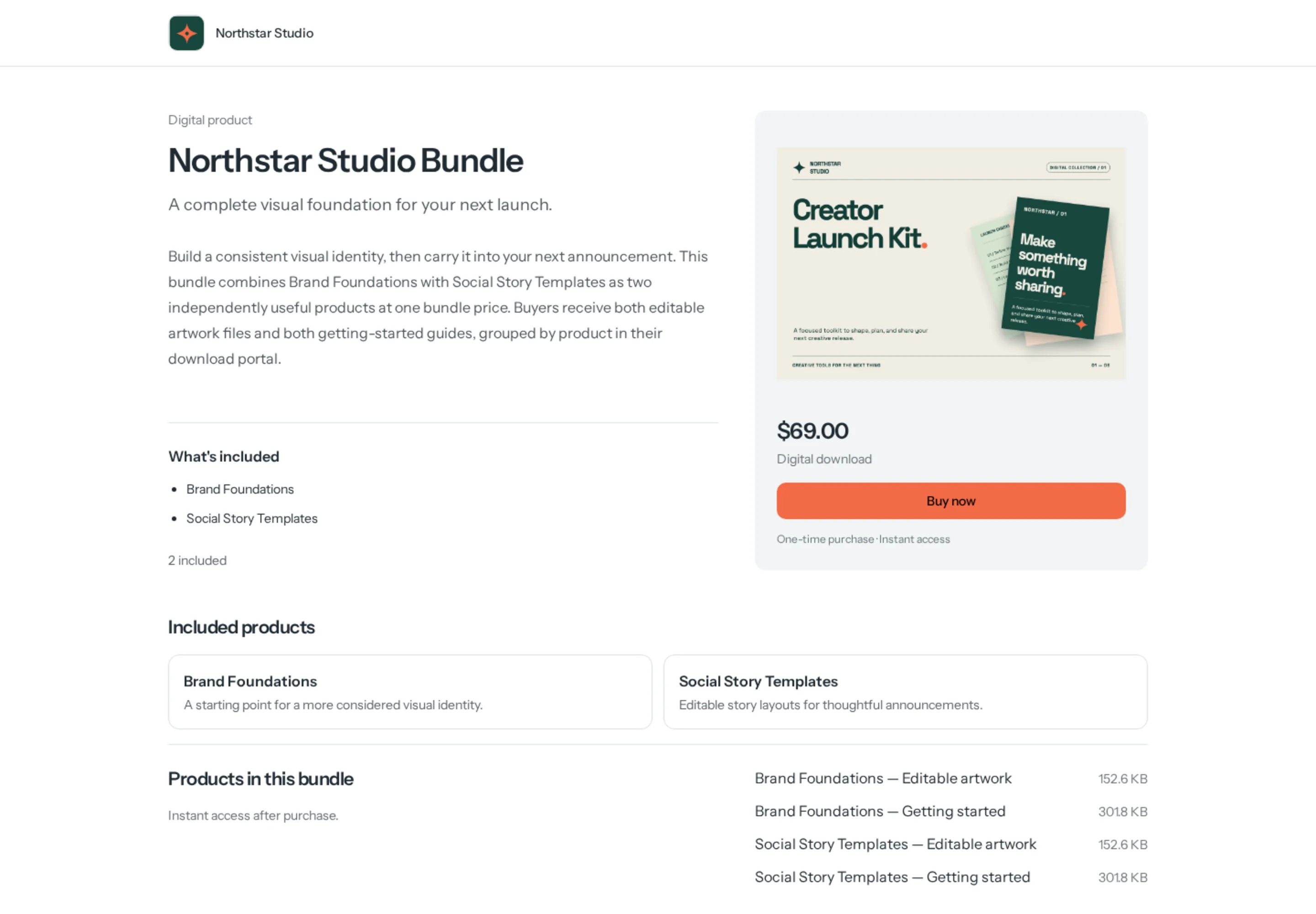
Combine existing digital products under one bundle price while keeping each product available on its own.
1 Prepare the products you want to include2 Create the bundle product and choose its products3 Review the bundle page and checkout4 Check the grouped buyer deliveryRead the guide → Updated October 24, 2026
Start selling your first download Connect your Stripe account and choose the files you want to sell. DeliveryKit sends buyers their downloads after payment.